


10 on-site campaigns every Shopify store should run


One of the most common marketing techniques in Shopify stores is a single on-site campaign: a popup asking for an email. That popup has a job, and it can keep doing it. The real issue comes after that. Every added message a shop wants to send — a restock, a drop, a shipping threshold, a reminder — ends up competing for the same overlay, and shoppers start closing everything on sight.
A notification feed is a different surface. Atomato adds a bell next to your existing popup, and shoppers open the feed when they want to. Messages sit there and do not interrupt. That means you can run several campaigns at once without stacking more overlays on the storefront. Atomato is not an email or SMS platform; it is the on-site place where these messages live.
Here are ten campaigns worth running, and how each behaves in a feed.
Ten campaigns worth running
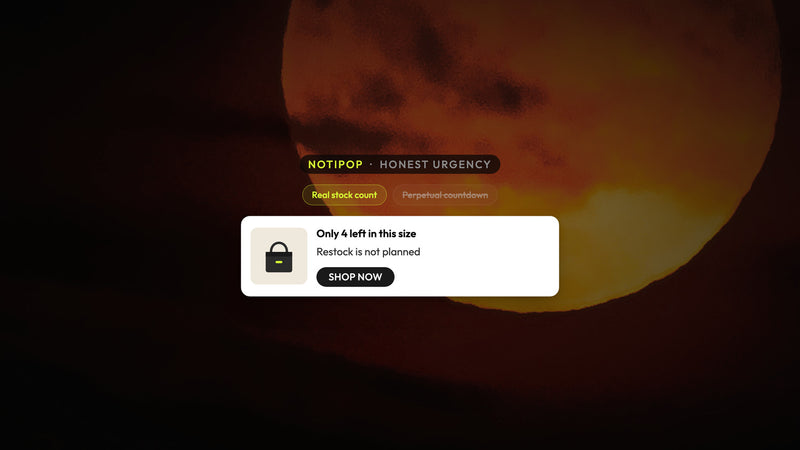
1. Restock alerts. When a sold-out product comes back, put the notice in the feed with the product image and a direct link. Shoppers who were waiting for that item check the bell and find it. Nothing has to interrupt anyone who was not waiting.
2. New drop announcements. A launch usually gets one homepage banner and one email. A feed card gives it a third place to live, and it stays there for the shopper who arrives two days later. Keep the card short: what dropped, one line about it, a link to the collection.
3. Free-shipping progress. Tell a shopper how far they are from the threshold. The message is useful exactly once, at the moment it is true, and a feed card can carry it without pushing an overlay in front of the cart. Pair it with a link back to the cart so the next step is obvious.
4. Free-gift threshold. Same mechanic, different reward. If spending a certain amount adds a gift, say so plainly and name the gift. Shoppers respond better when the item is specific rather than described as a surprise.
5. Bestseller or recommendation with add to cart. A card can carry a product and an add-to-cart action, so a shopper who likes what they see does not have to navigate anywhere. Use it for a genuine bestseller or a complement to something already in the cart, not for a random product.
6. Cart reminder. When someone leaves items in the cart and keeps browsing, a feed card reminding them is quieter than an exit overlay and does not depend on having their email address. It is on-site, so it reaches shoppers you could never message otherwise.
7. Returning-visitor offer. A shopper who has been here before does not need the same introduction twice. Put the returning-visitor offer in the feed rather than firing another overlay at them. They already know the store; give them a reason to finish, and let them open it on their own terms.
8. Email or SMS signup inside the feed. Your popup still collects the bulk of signups. A signup card in the feed catches the shopper who dismissed the popup on the first visit and warmed up later. Same ask, different moment, no second overlay.
9. Segment or VIP restock. Some restocks only matter to part of your audience — a size run, a subscriber-only colorway, a repeat-purchase item. Target the card so it appears for that group instead of broadcasting it to everyone. Fewer, more relevant cards keep the bell worth opening.
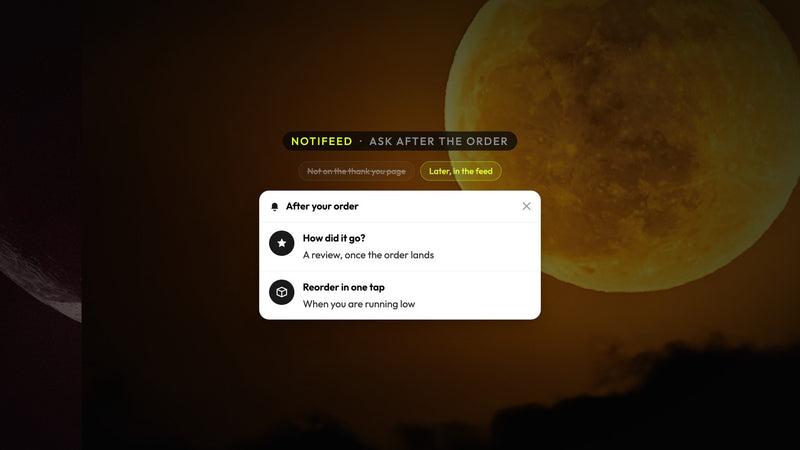
10. Review or post-purchase nudge. After an order, the feed can ask for a review, point to care instructions, or suggest the refill. It reaches the shopper the next time they visit the store, which is often exactly when they are most willing to act.
How to sequence them
Ten campaigns does not mean ten cards for one shopper. Pick two or three that match where someone is: a first-time visitor sees the drop and the signup card; a shopper with a full cart sees shipping progress and the cart reminder; a past customer sees the restock and the review request. The feed quietly holds the rest.
Write each card the way you would write a text to a customer. One idea, a clear link, no filler. If a card cannot say what it wants in two lines, it probably belongs on a page instead.
What to watch
Two things tell you whether the feed is earning its place: how often shoppers open the bell, and what they do after they open it. If opens fall off, there are too many cards or the cards are not specific enough. Retire campaigns that no longer apply — a drop from last season, a threshold you changed — so the feed stays current.
None of this replaces your popup or your email program. It gives the messages that fit neither one a home on the storefront, where shoppers can find them when they are ready. If you want to try these campaigns on your store, Atomato is on the Shopify App Store, and there is more on how the feed works at atomato.co.
Keep reading
Read next

Ready to show the right message to the right shopper?
Start showing targeted messages on the site without any change in your marketing setup. Atomato lives with your popup, email, and SMS tools.
Five-minute setup. No theme code or developer needed.