


How to match Shopify on-site offers to the landing page without spraying the same discount everywhere


Connect the on-site offer to the specific landing page that the shopper arrived on. Don't apply the same 10-15% discount to every paid, email, and organic URL. When the interruption contradicts the ad promise or ignores the path of arrival, it dismays the climbs, and the landing page no longer occupies the job it was created for.
The guide offers an arrival context × page type × offer job × skip-if table, a before/after of spray versus landing-matched offers, and a mistakes checklist. You can continue using your existing popup and email tools. Use Atomato alongside them so that one matched interrupt can win that landing path, and the softer support is in a reopenable feed.
Why a single spray discount doesn't work on landings
Paid landings carry an ad promise of a percentage off, a gift, or a collection story. Email and SMS clicks are already linked to a specific offer in the message. For organic homepage and browsing collections, a list of demands or queries is more appropriate than the deep discount held for paid traffic. A single generic[[email]]promotion covering all URLs, affects paid landings that offer differ from the ad, organic visitors getting a random interrupt, and cart paths losing its help to another discount scream.
Rule: arrival context page type offer job and skip-if. Page and cart targeting decides the message may showwhere - takl how to target Shopify on-site messages by page and cart wit ). Landing match determines what offer that way can show meaning that the on-site ask visitor agree with the way he/she get there.
Arrival-context table: arrival context × page type × offer job × skip-if
For every key landing page before you put a promo live, fill a row. If you still can't name the offer job and the skip-if for that arrival, then you are still spraying.
| Arrival context | Page type | Offer job | Skip-if |
|---|---|---|---|
| Paid search / Meta landing | Campaign landing or collection entailing the ad | Match the ad promise (same % or gift named in the creative) | Cart already has items and cart help owns the interrupt; already subscribed when the ask is a list-only |
| Email / SMS click | Flow or campaign landing linked from the message | Match the flow offer; keep copy congruent with the email | Generic welcome discount that contradicts the email; already redeemed that code |
| Organic homepage / collection browse | Homepage or collection without paid UTM | Softer list ask or progress / proof — not the paid deep discount | Spray of paid-landing percent; frequency cap hit; already subscribed |
| PDP from collection (no campaign UTM) | Product page | Product help or complementary add-on | Sitewide 15% cover; welcome already shown this session |
| Cart / checkout | Cart or checkout path | Never spray a promo cover; yield to cart help / checkout | Any new discount fullscreen on cart or payment |
| Direct / unknown | Homepage or deep link without clear UTM | Conservative default or none until context clears | Aggressive paid-only offers; second interrupt after a soft ask |
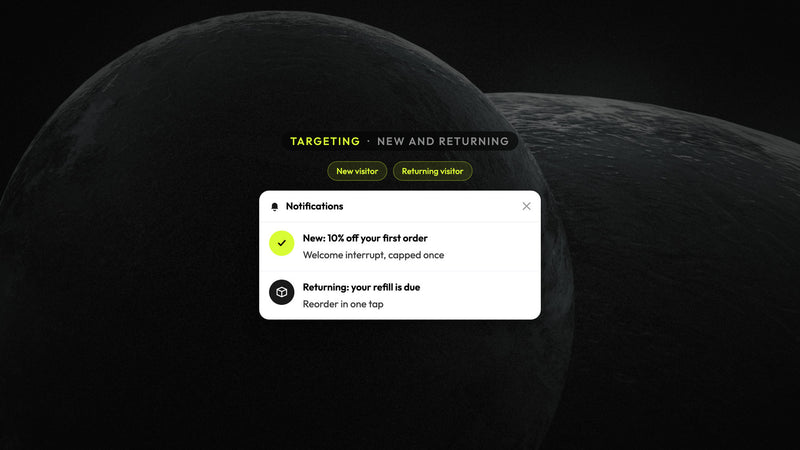
New vs returning is still an important part of the welcome tone, but it alone cannot be a substitute for landing match — check out the material on "how to show different Shopify on-site offers to new and returning visitors."
Sequence still decides which live campaign wins when more than one is eligible — see how to sequence Shopify on-site campaigns so welcome promo and cart help do not collide.
Steps: Use spray guns to transform one-off offers into matching ones
- Inventory landings and the offers they fire. Landings for paid ads, besides email/SMS destinations, homepage, key collections, and cart should be listed. Reference if the same discount rate applies to all of them.
- Name the promise each landing already made. Ad creative, email subject, or page headline. The on-site offer must agree with that promise or stay quieter.
- Assign one offer job per arrival × page row. Paid → match the ad. Email click → match the flow. Organic browse → softer ask. PDP without UTM → product help. Cart → no promo spray.
- Write skip-if rules. Cart help owns interrupt when items are in cart. List-only asks skip when subscribed. Paid deep discounts stay off organic browse and cart.
- Choose surface after the match. One capped interrupt when the landing match is strong; put supporting proof or progress in a feed so you do not need a second cover. Pair with when to use a popup, the feed, or both for the same offer.
- Review weekly. Drop campaigns that only win by contradicting the landing promise. Watch dismiss and ATC after the message, not only attributed clicks.
Through the Looking-Glass
Before (spray): A single "15% off" interrupt is displayed on paid landings that promised free shipping, on the email clicks which already carried a different code, on the organic homepage, and on the cart. The paid arrivals had a contradicting deal; the organic shoppers have been given a huge discount that is intended for ads; the cart help always has an additional line. Attributed impressions reflect a busy look while the dismiss rate climbs.
After (landing-matched): The paid landing displays the exact same percentage or the gift advertised previously; the skipped card is only available if the cart help owns the interrupt. The email/SMS landing is kept with the flow offer and skips a contradicting welcome. The organic homepage gets soft-list or proof cards, not the paid deep discount. PDP without campaign UTM gets product help. Cart and checkout are free of promo covers.
Atomato observation
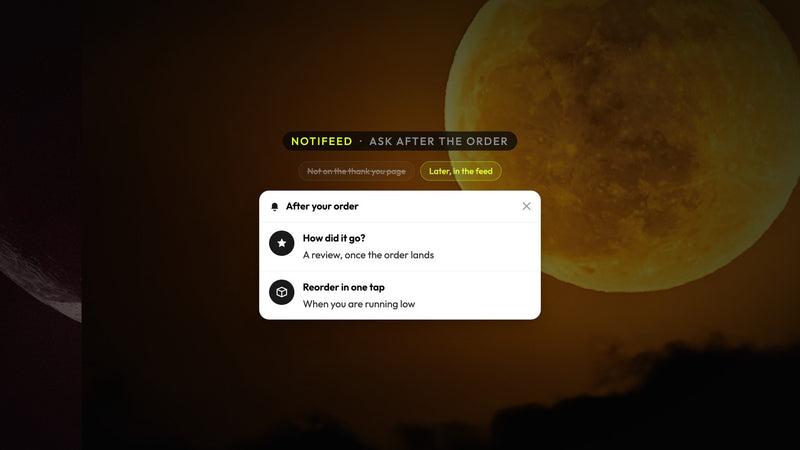
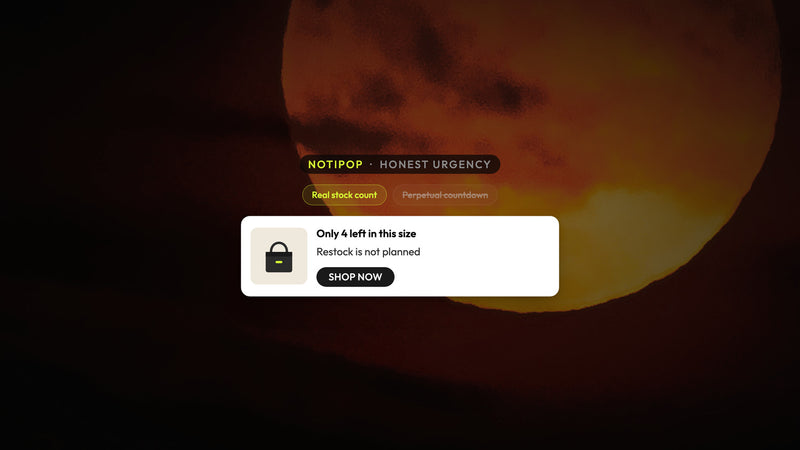
NotiPop is the only place on that landing path where you would find the one matched interrupt. NotiFeed is a softer supporter carrying cards for — progress, proof, secondary asks — that users can reopen without a second cover. You can run Atomato next to the popup and ESP tools that you already trust. Landing match plus one similar interrupt is, of course, better than a louder percent on every link.
Attributive revenue from a spray session is not the same as the incremental one. If the dismiss rate increases, at the same time, the attributed clicks go unchanged, the generic discount is winning the report but loses the web link.
Mistakes to avoid
- Firing the same sitewide percent on paid, email, and organic landings
- Showing a generic welcome discount that contradicts the email or SMS offer
- Using the paid deep discount on organic browse "because it converts in ads"
- Spraying a promo cover on cart or checkout instead of yielding to cart help
- Skipping skip-if for subscribed shoppers on list-only asks
- Measuring only attributed clicks, not dismiss and ATC after the interrupt
-
Every key landing has an arrival context, page type, offer job, and skip-if
- [ ] Paid landings match the ad promise (same % or gift named in creative)
- [ ] Email/SMS landings match the flow offer and do not fire a contradicting welcome
- [ ] Organic browse does not get the paid deep discount by default
- [ ] Cart and checkout never get a sprayed promo cover
- [ ] Supporting jobs live in a feed or non-blocking surface
- [ ] Weekly review drops promise-breaking spray; review dismiss and ATC with attributed clicks -
Start mapping your top spent and email landings against the table above. Match the on-site offer to the arrival before writing new creative. Then Install Atomato free on Shopify for one matched interrupt plus a reopenable feed next to the tools you already use.
Keep reading
Read next
Ready to show the right message to the right shopper?
Start showing targeted messages on the site without any change in your marketing setup. Atomato lives with your popup, email, and SMS tools.
Five-minute setup. No theme code or developer needed.