


When to use a popup, the feed, or both for the same offer
Shopify sellers frequently come across a question while installing a second on-site surface; should this free-shipping threshold, restock, or list ask live in the popup, in the notification feed, or in both? "run it everywhere" is clearly not the right answer. The useful answer is a split by interrupt, timing


Shopify sellers frequently come across a question while installing a second on-site surface; should this free-shipping threshold, restock, or list ask live in the popup, in the notification feed, or in both? "run it everywhere" is clearly not the right answer. The useful answer is a split by interrupt, timing, and who has already seen the ask.
This is our perspective on it at Atomato, where NotiPop owns the one clear interrupt and NotiFeed owns the quieter inbox shoppers open on purpose.
Start with the job of the moment
A popup is the main for a single decision at a crucial stage that has high intent: first visit, exit intent, a cart that is near a threshold, or a one-time email ask. It should run one interrupt only, say one thing, and point to one action. If you need a second reminder in the same session later, that is generally a job for a feed, not a second overlay.
The feed is for updates that a shopper can reopen: restocks, drops, progress toward a free gift or free shipping, product cards, and list capture that do not require a full-screen moment. Shoppers hit the bell on the shop site when they are ready. Therefore, the feed is designed to fit returning visitors who have dismissed your welcome popup.
Use both only when the roles are different
Both surfaces can easily promote the same offer without appearing as spam when they assume different roles:
- The Popup element comes up with the offer at the right time (for example, a cart value that crosses $40 on a $50 free-shipping goal).
- The Feed shows the current status of this progress even after the popup was closed, which means also after the shopper has left the cart drawer and come back later.
- Product cards in the feed (via NotiSell) support closing the gap of leftover dollars without an additional overlay.
That scheme is the real-life case of keeping the popup and adding a notification feed. One standard, two jobs: to interrupt just once and then to stay available.
Audience rules matter more than volume
Show restocks to people who viewed that product. Show progress to carts near the threshold. Show list capture when the shopper is not already subscribed. How to decide who sees a campaign covers the basics. Without those rules, "popup plus feed" just means two noisy asks.
Returning buyers who already dismissed a welcome popup should not get the same welcome again in the feed. They can still see a restock or a progress card that matches what they are doing now.
Measure clicks, not "we showed it twice"
When you have the same offer on both surfaces to attribute to the clicks on each message and product cards, then it should be attributed to clicks, not just from views alone. Atomato Analytics is based on click attribution which has a certain time frame. To know more about the time frame we are using, check the article what the six-hour attribution window measures.
A review of the useful things after one week:
- Did the popup earn the first click, or only it was dismissed?
- Did the feed get add-to-carts after the popup was closed?
- If both get click well but the orders are low, check the number of the offer and the complementary products — not the number of surfaces.
A short decision checklist
You can use popup alone when the ask is short-lived, unexpected, and does not need the place where shoppers reopen.
You can use feed alone when the shopper should control their time (restocks, drops, ongoing progress) and when it does not feel that another overlay would be noise.
Use both when the popup first introduces the offer, and the feed continues job same without a second full-screen ask.
Skip both for the vanity "sale" banners that have no clear next action. It is better to have clear language and one action rather than placement; see what makes an on-site message convert.
For cart abandoners still browsing, pair this ladder with how to recover Shopify carts on-site before email fires — timed nudge first, feed reopen, email after they leave.
Preparing Black Friday week? Use the same surface split to plan Shopify BFCM on-site messages without stacking interrupts — one timed interrupt, reopenable sale details, email for leavers.
Soft next step
Once you know popup vs feed for the offer, pick triggers so load, scroll, and exit do not all fire — see how to choose Shopify popup triggers without stacking interrupts.
If you are thinking about a popup and feed in one Shopify app, start at Atomato on the App Store or atomato.co. To have an idea on-site messaging, check the Heights case study at the store level. For a single store usage of both a timed popup and a second feed running, see the Zibra case study.
Restock alerts are a good test case for that split. A full-screen interrupt is optional; a reopenable feed card often does the job — how to set up Shopify restock alerts without another interrupt.
Frequency caps decide how often that split can fire. For a session / day / offer ladder and decision table, see how to set Shopify on-site campaign frequency without training shoppers to ignore you.
Visitor type is another split on top of surface choice: new shoppers may earn a capped welcome popup while returners get loyalty, refill, or restock in the feed — how to show different Shopify on-site offers to new and returning visitors.
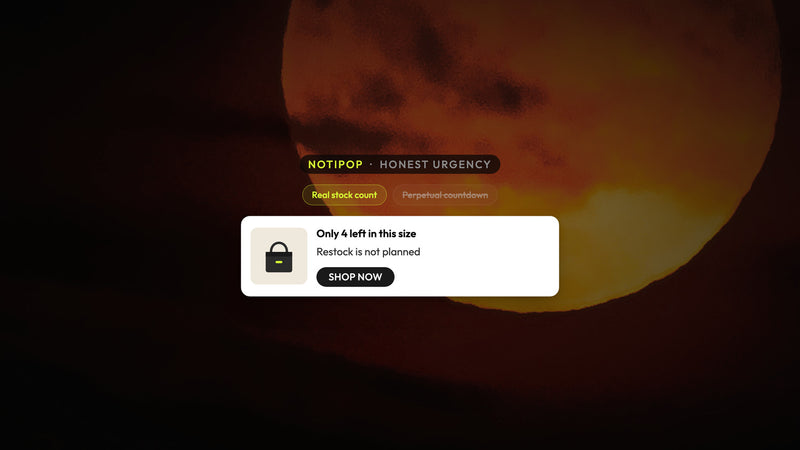
When the offer itself is a deadline or stock claim, honesty comes before surface choice — how to use real urgency on Shopify without fake countdown timers.
Once popup and feed roles are clear, sync the same offer with Klaviyo so welcome email and SMS do not re-ask in the same hour — see how to sync Shopify on-site messages with Klaviyo without double-messaging shoppers.
On phones, map the same popup vs feed choice so Add to cart stays clear. See how to show Shopify on-site messages on mobile without covering Add to cart.
For leave moments, pair one capped exit interrupt with a reopenable feed card so shoppers who stay can still claim the offer — how to use Shopify exit-intent without killing the session.
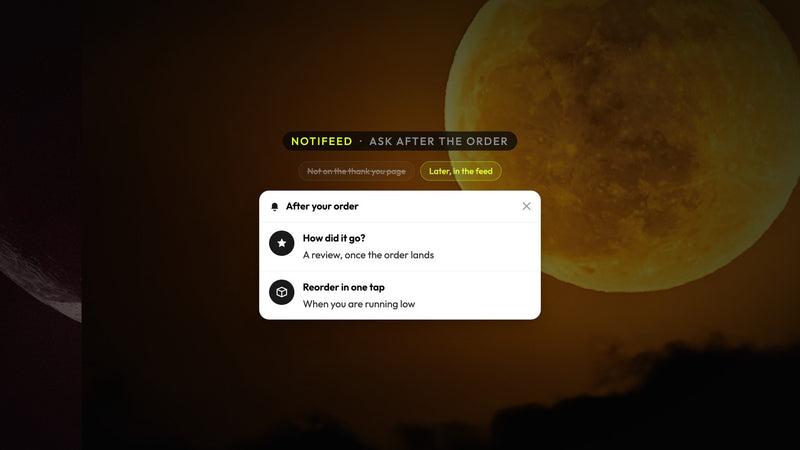
Post-purchase asks belong on a soft later surface or reopenable feed card, not stacked on thank-you with order confirmation — how to ask for Shopify reviews, referrals, and reorders without another checkout interrupt.
Related: target Shopify on-site messages by page and cart.
Related: match on-site offers to the landing instead of spraying one discount.
Keep reading
Read next

Ready to show the right message to the right shopper?
Start showing targeted messages on the site without any change in your marketing setup. Atomato lives with your popup, email, and SMS tools.
Five-minute setup. No theme code or developer needed.