


Keep the popup. Add a storefront notification feed


Currently, most retailers already use a popup as their primary tool. It collects email and SMS with a fair bit of effort and is considered the most suitable solution for that job. Merchants are the ones usually asking what the next marketing channel should be, and the answer they presume is yet another overlay. A second modal, a spin wheel, a sticky bar that slides in three seconds after the first one closes. Stacking overlays on the first paint is how you make a shopper miss out on a mobile session before they have ever even seen a product.
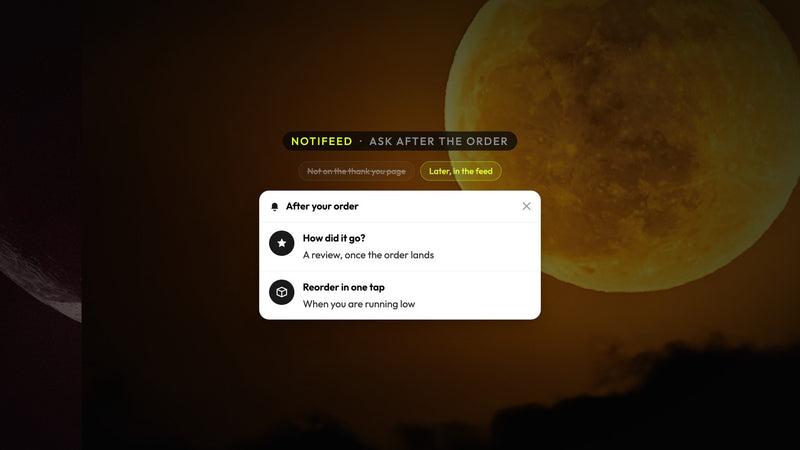
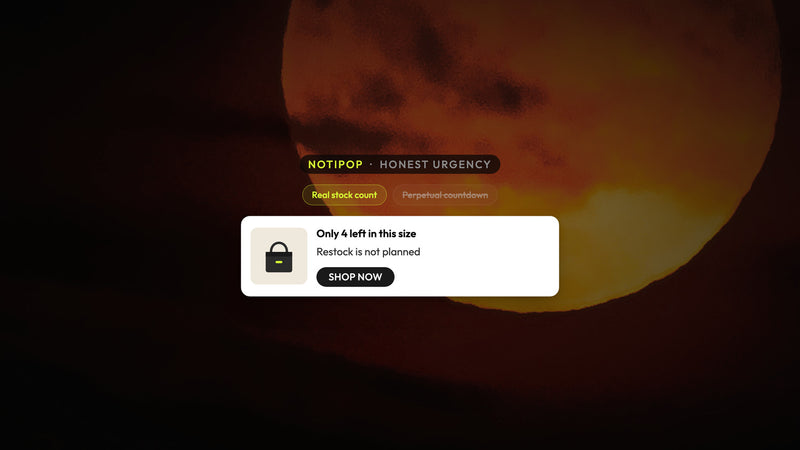
The next channel does not need to interrupt anybody. Think of it as a bell on your store that the customer opens at their will. It sits next to the popup and does not compete with it. In the feed you can share restocked items, new drops, special offers, and product cards a shopper can add to cart directly from the page they are browsing.
Why it works next to a popup
The popup is meant for capture. The feed is where you post everything you want to say after that, and for the greater number of visitors who will never register. Any visitor on your online store can click the bell, so a restock or a drop reaches today's browsers, not only a list you built last quarter.
Email and SMS capture can live in the feed as one card, and it syncs to the ESP you are already using, whether that is Klaviyo, Mailchimp, Omnisend, or something else. Atomato is not a substitute for your ESP. You can keep sending your flows and campaigns where you have been sending them now.
Setting it up
Keep the popup you already have. Lower the frequency it fires for returning shoppers first, so the very first thing a repeat shopper sees is the product, not the form they filled in weeks ago.
Add restocks and drops to the feed. These are the two things buyers constantly look out for, and in the feed they are displayed to the whole storefront, not only to existing subscribers.
Use audience targeting so the feed does not turn into noise. Page, cart contents, returning or new, and segments are all ways to send a card to the people it relates to instead of everyone.
Treat it as a channel: measure impressions, clicks, add to carts, and attributed revenue per campaign. If a card doesn't prove its worth, stop sending it.
Start with just two or three cards per week. A quiet feed worth opening beats a noisy one people end up ignoring.
None of this forces you to remove what works. Keep the popup as it is, turn the volume down a bit, and offer shoppers a place they can check on their own terms. If you are interested, install Atomato from the Shopify App Store or read more at atomato.co. Help with setup is available.
Keep reading
Read next

Ready to show the right message to the right shopper?
Start showing targeted messages on the site without any change in your marketing setup. Atomato lives with your popup, email, and SMS tools.
Five-minute setup. No theme code or developer needed.